Targets
The "Targets" tab defines which traffic the set applies to. Traffic is filtered by domains, IP addresses, GeoSite/GeoIP categories, and source devices.
TLS version filter
At the top of the tab is the TLS version selector:
- Any - process all TLS traffic
- 1.2 - only TLS 1.2
- 1.3 - only TLS 1.3
Useful when different TLS versions need different bypass strategies (some providers block TLS 1.2 and TLS 1.3 in different ways).
Domains
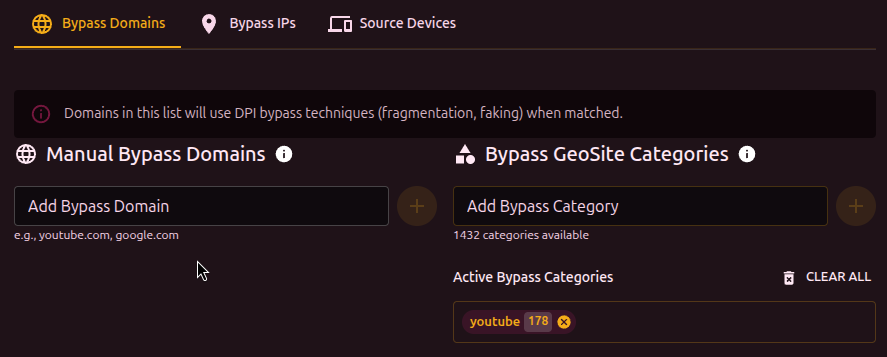
Manual domain entry for bypass. Enter a domain and press Enter.
- Multiple domains can be added separated by commas or newlines
- Duplicates with another set trigger a warning
- The Edit list button opens a text editor (one domain per line)
GeoSite categories
Instead of adding domains one by one, pick a category from the GeoSite database. Each category contains hundreds or thousands of domains (for example, youtube, discord, google).
To use GeoSite, the database must be loaded (Settings -> Geodat settings).
Clicking a category shows the list of domains it contains.
IP addresses
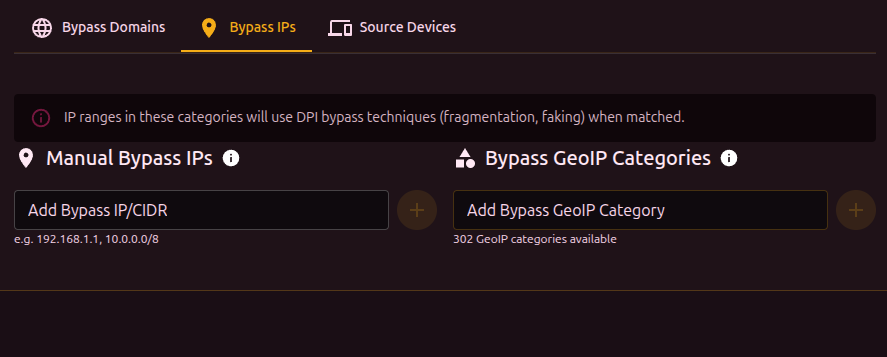
Manual entry of IPs or CIDR ranges (for example, 10.0.0.0/8, 192.168.1.100).
Works the same way as domains: bulk editing supported, duplicates warned.
GeoIP categories
The GeoIP equivalent for IP ranges. Categories are keyed to countries and ASNs.
Source devices
Limits the set to traffic from specific devices on the network (by MAC address).
The table shows available devices:
| Column | Description |
|---|---|
| Select | Checkbox to include the device |
| MAC | Device MAC address |
| IP | Current IP address |
| Name | Device alias or vendor |
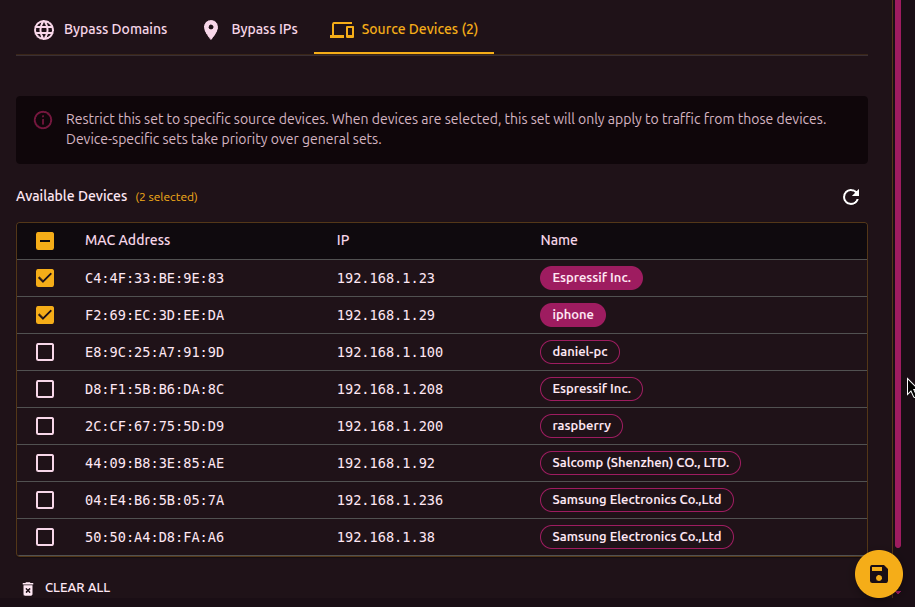
If no device is selected, the set applies to all traffic. When devices are selected, only their traffic is matched. Device-bound sets take priority over generic ones.