Sets
A set is a bundle of DPI bypass settings tied to a list of domains, IP addresses, UDP ports, or GeoSite/GeoIP categories. You can create multiple sets with different strategies for different sites.
Managing sets
The Sets page shows every set you have created. For each set you see:
- Name and status (on/off)
- Number of domains and IPs
- Active techniques (COMBO, DISORDER, HYBRID, etc.)
- State of DNS routing and SNI Faking
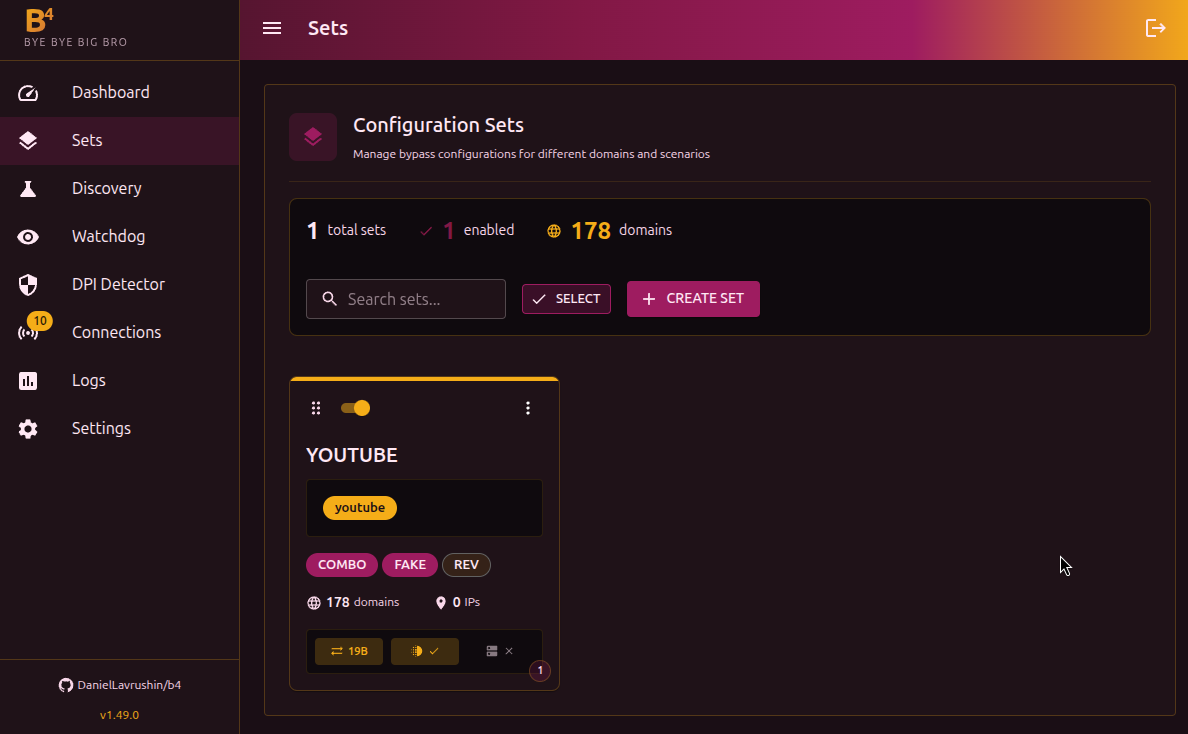
Available actions:
- Create set - a new bundle of settings
- Edit - click the card
- Duplicate - create a copy of an existing set
- Compare - side-by-side comparison of two sets
- Delete - remove one or several sets (via bulk selection)
- Drag and drop - change the order of sets (order affects processing priority)
Set editor
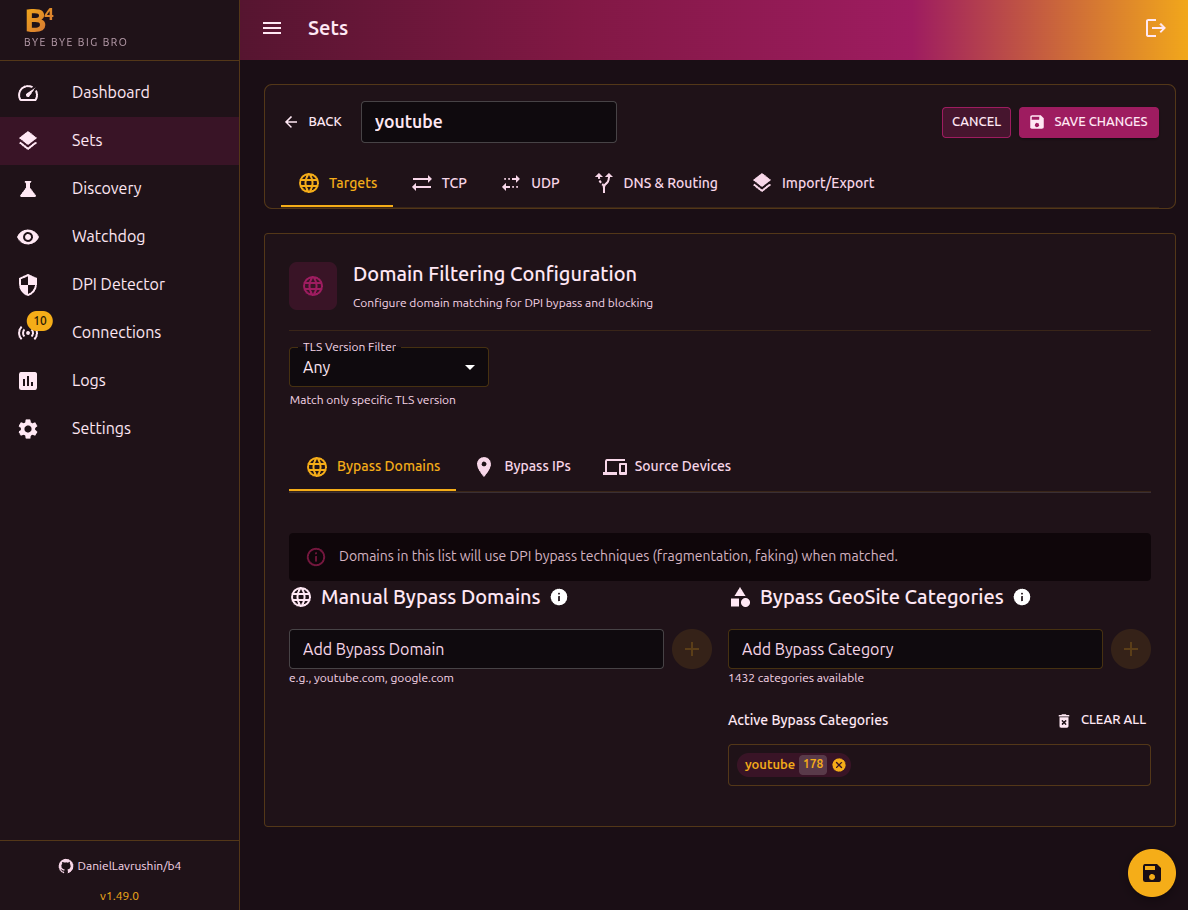
The editor has 6 tabs:
- Targets - domains, IPs, GeoSite/GeoIP categories, devices
- TCP - fragmentation, faking, desync, and other TCP strategies
- UDP - UDP traffic handling, QUIC, STUN
- Routing - DNS redirect and traffic routing through interfaces
- Escalation - automatic fallback to a backup set when this one keeps failing
- Import/Export - JSON representation of the set configuration for moving between devices
How it works
Match order
- IP address - checked first. If the destination IP matches an IP/CIDR in some set, this is remembered as a preliminary match
- Domain (SNI) - if the packet contains TLS/QUIC data, b4 extracts the domain. If the domain matches a set, that set replaces the preliminary IP match. Domain always has priority
- Learned IP - if b4 has previously seen this IP tied to a domain (from earlier connections), the same set is used
- Port - checked only if a set is configured by port only (no domains or IPs)
- Preliminary IP - if neither domain, learned IP, nor port matched, the IP match from step 1 is used
When a port filter is configured in a set, it acts as an additional condition. Even if the domain or IP matches, the packet is processed only when the port matches as well.
If the same domain or IP is configured in multiple sets, b4 picks a set by priority:
- A set with a defined source device matching the sender's MAC + matching TLS version
- A set with no device binding + matching TLS version
- If no set matches by TLS, the TLS version is ignored and the check is repeated
This way, device-bound sets always win over generic ones, and the TLS version filter narrows the choice without blocking processing.
When b4 sees a connection where the domain (SNI) matches a set, it remembers the IP -> domain mapping for 10 minutes. This speeds up handling of later packets to the same server even when they do not carry SNI.
What happens on a match
For TCP packets, b4 intercepts the original packet and sends a modified version instead. Depending on the set settings, the following may be applied:
- Removing the SACK option (if enabled)
- ClientHello mutation (if enabled)
- Desync (RST/FIN/ACK)
- TCP window manipulation
- Sending fake SNI packets
- Fragmentation by the chosen strategy
For UDP, the packet is either dropped (drop mode) or replaced with a fake response (fake mode).
If no set matches, the packet passes through unchanged.
Import and export
The Import/Export tab shows the JSON configuration of a set. You can:
- Copy the JSON to move it to another device
- Paste JSON to import a configuration
Source devices (MAC addresses) and the Escalation settings are not exported - they reference local state (devices and other sets) that does not transfer between devices. Configure them again on the target.