Backup
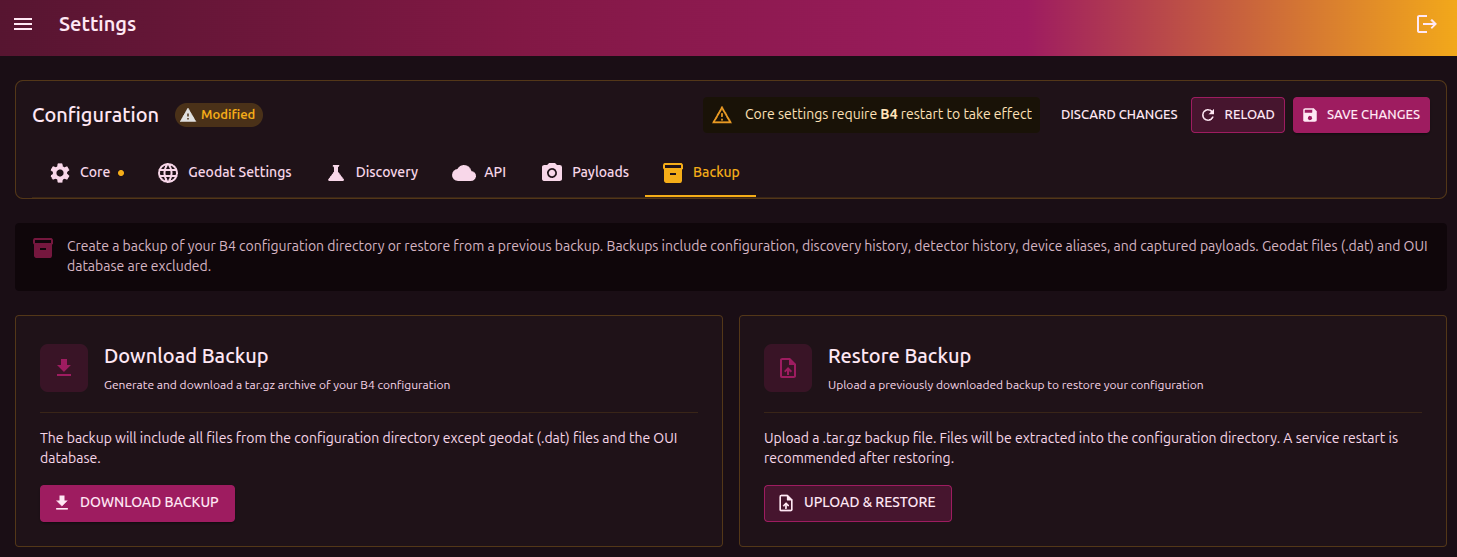
Download a backup
The Download button creates a .tar.gz archive with the full b4 configuration. The archive contains the contents of the configuration directory, except for .dat files (GeoSite/GeoIP) and the OUI database (vendor lookup).
Restore from a backup
- Click Upload and select a previously downloaded
.tar.gz - The configuration files will be replaced with the contents of the archive
- After restore, you will be prompted to restart the service
warning
Restore fully replaces the current configuration. If you need to keep the current settings, download a backup first.